Grandma's living room
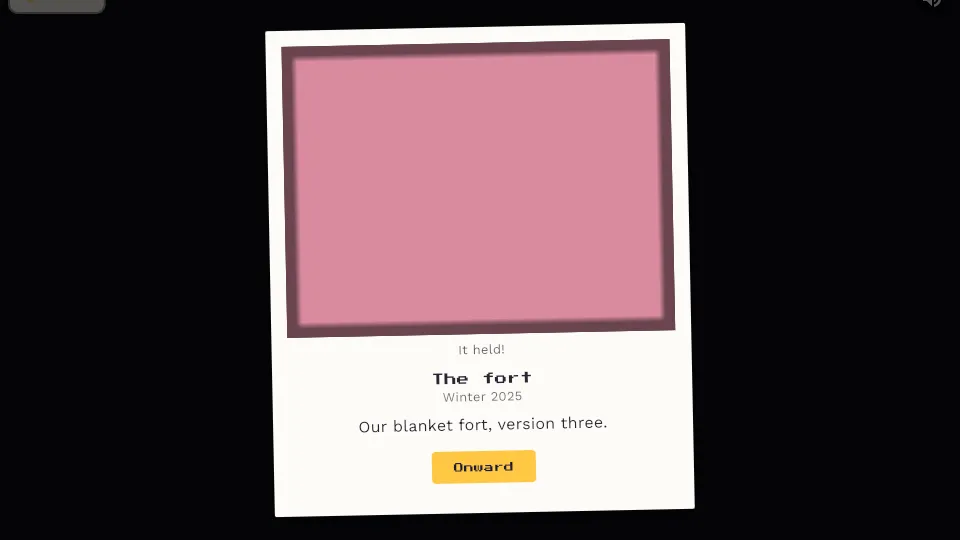
Turn your photos and inside jokes into a little game for someone you love. You design it in the Pixelora editor, your AI assistant writes the code, and the course walks you through every step.
One-time purchase · 14-day refund · Your photos stay on your computer
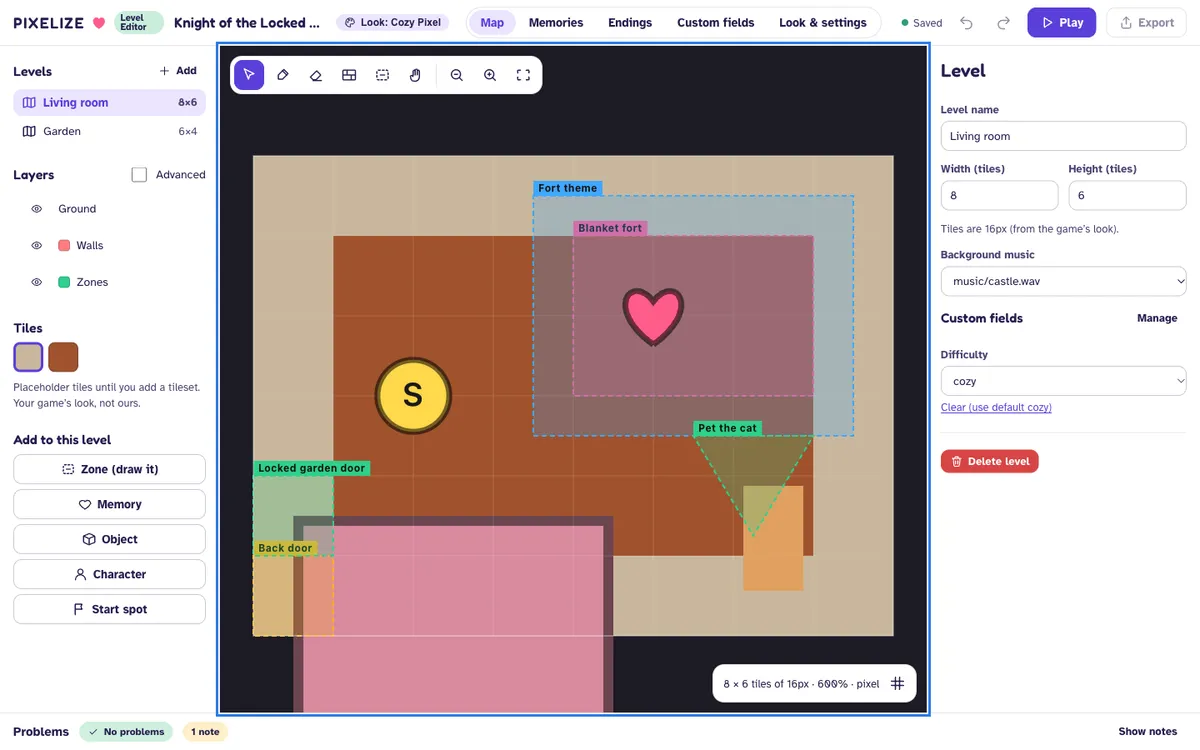

Three plain steps. The editor keeps your level data, your AI assistant keeps the game code, and the course tells you exactly what to click and what to paste.
Paint maps, place photos and items, draw zones, pick music and endings, and choose your game's look. Make art with AI or Sprite Magic right in the editor, or use your own.
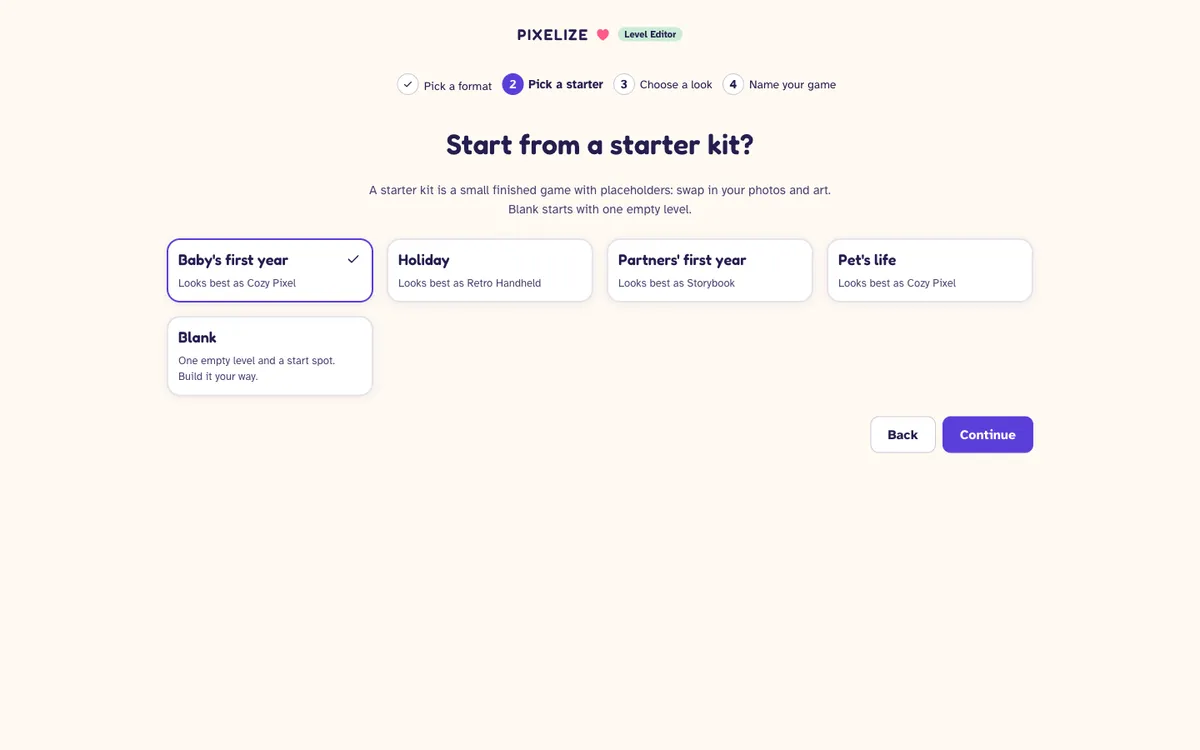
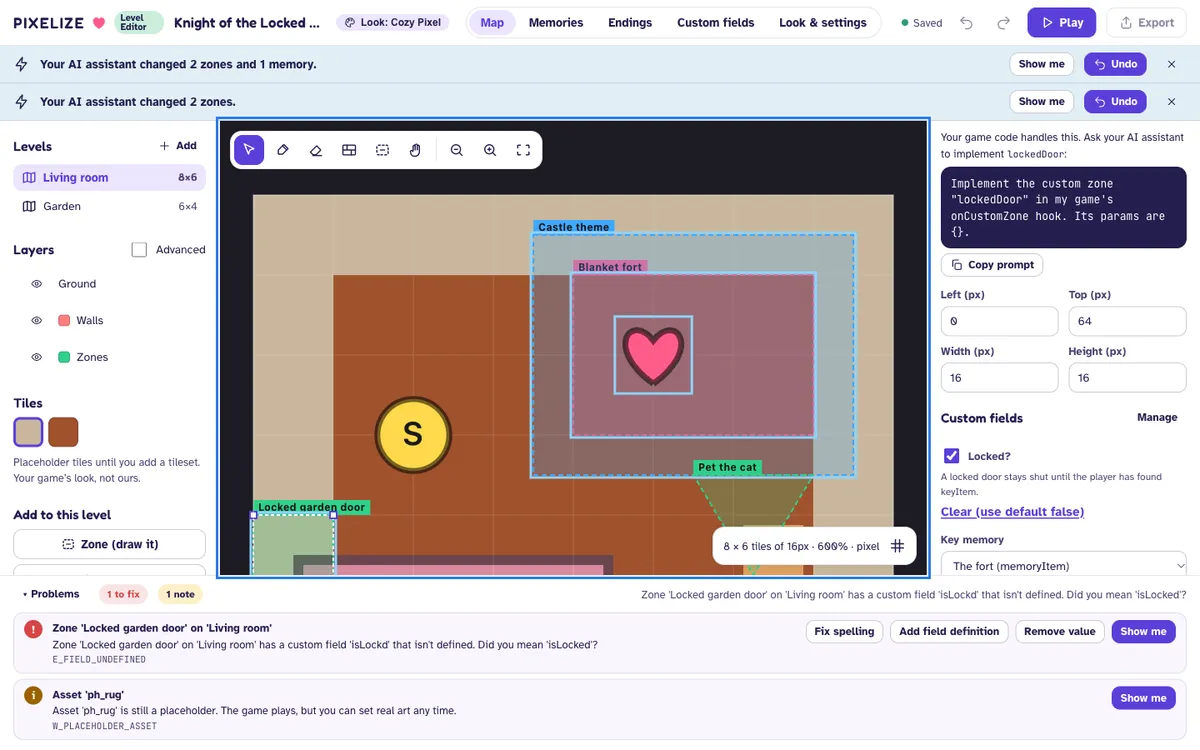
Every game starts from a starter template (web first, Flutter too). Claude Code, Codex, Gemini CLI or Antigravity shapes the code, and the editor shows what it changed, with Undo.
Put it online for free (the course shows how), turn it into a phone app, or use our optional hosting with Full Service. Then watch them play.

Thirteen are below, and a creature adventure comes in the Kid's birthday kit. The first four are the real starter templates, still on their placeholder art. Your game's look is yours: draw it, grab a free pack, or generate it with AI in the editor. Pixelora doesn't make every game look like this website.
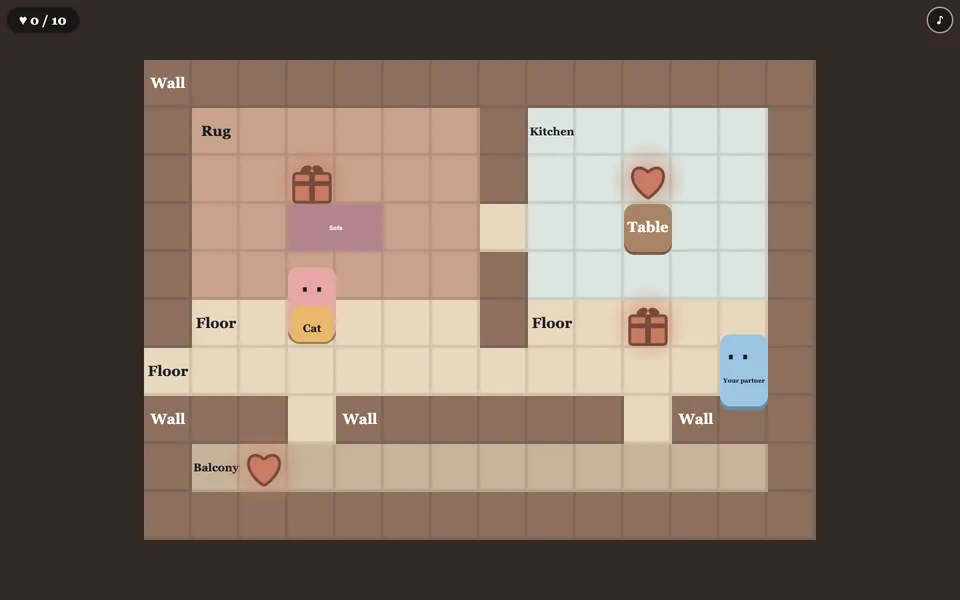
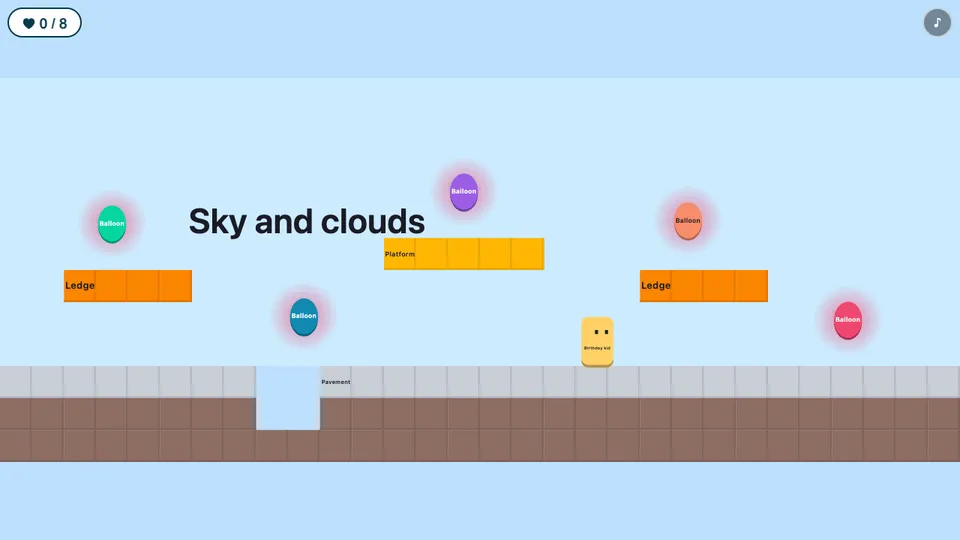
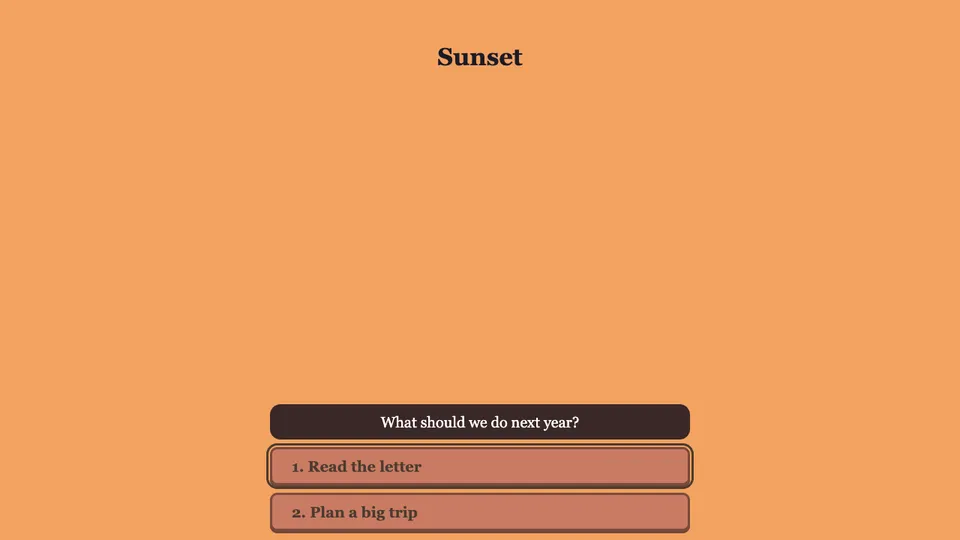
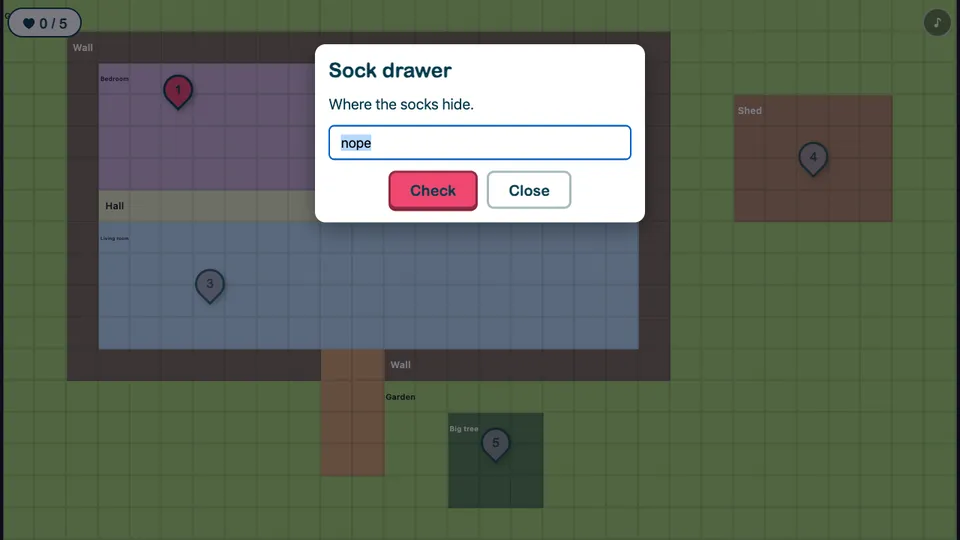
Each of these comes with a finished demo game, made with a made-up family and illustrated art. Open its starter kit in the editor, swap in your own people, places and moments, and it's yours. Here's what each one could be.
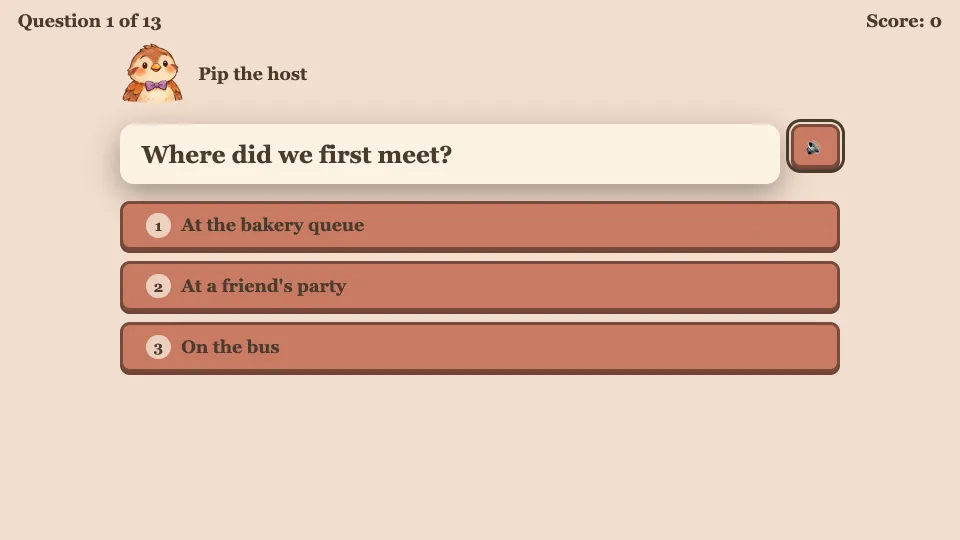
make it yours Questions only your person can answer: where you met, the coffee order, the song from the car.
Remix it from the Partners' first year starter kit.
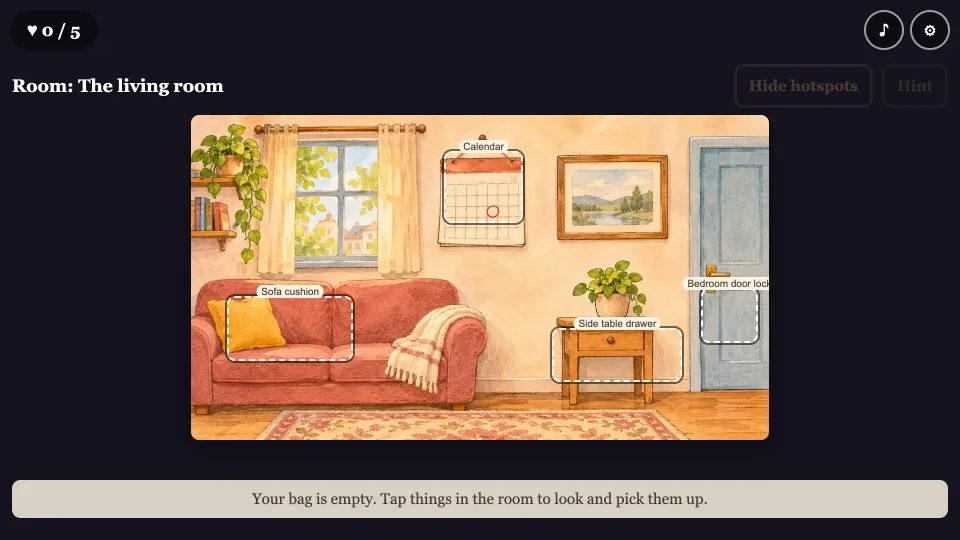
make it yours Your own room, five keepsakes hidden in it, and a lock that opens on a date they should know.
Remix it from the Partners' first year starter kit.
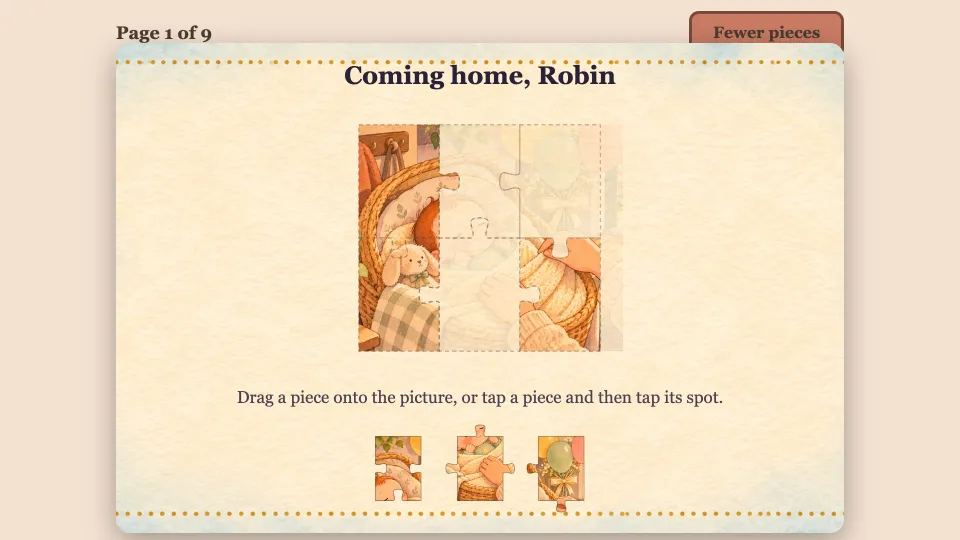
make it yours Their year in pictures, each photo a jigsaw, from four pieces for little hands up to nine.
Remix it from the Baby's first year starter kit.
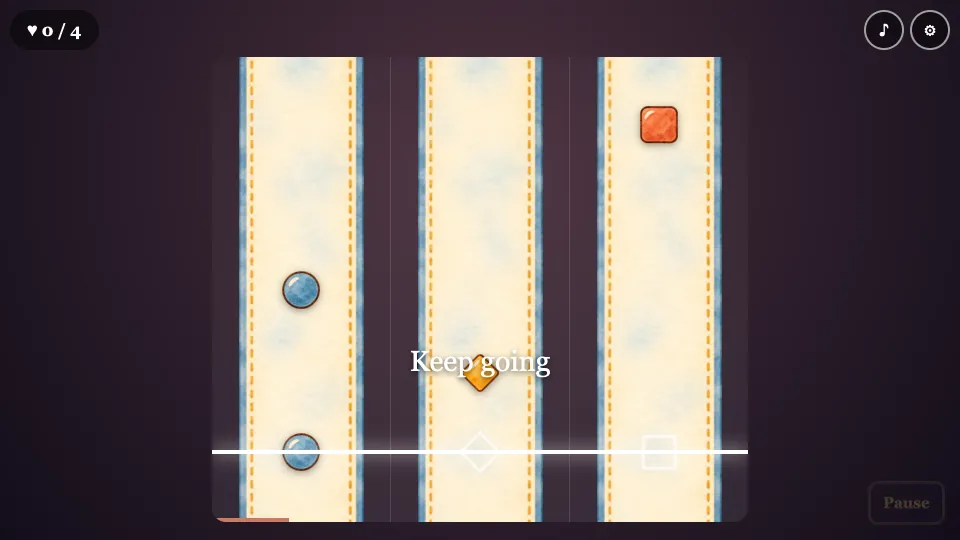
make it yours Your song, notes on its beat, and a photo for the lines that mean something.
Remix it from the Partners' first year starter kit.
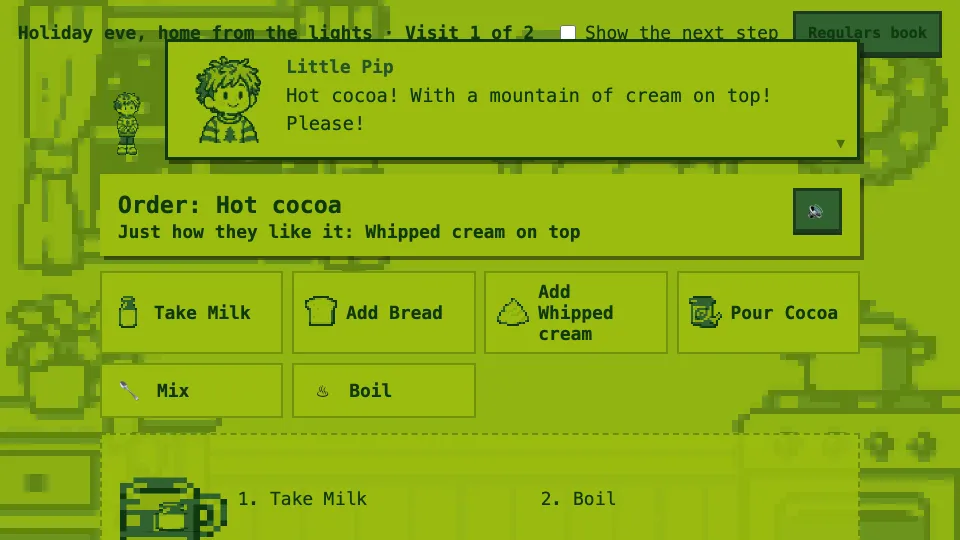
make it yours Your regulars and exactly how they like it: honey instead of butter, a mountain of cream on top.
Remix it from the Holiday starter kit.
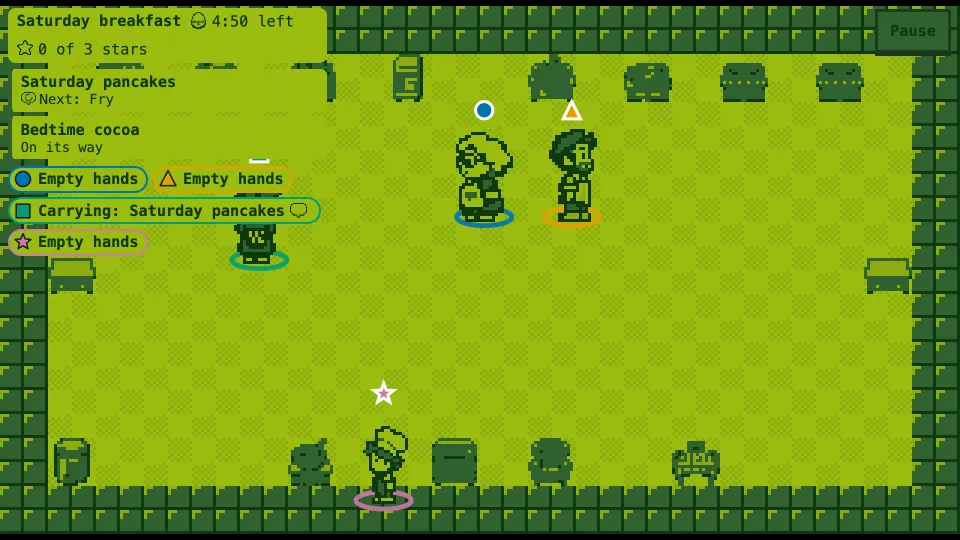
make it yours Your family’s recipes, who sits at the table, and the dish that always comes out last.
Remix it from the Holiday starter kit.
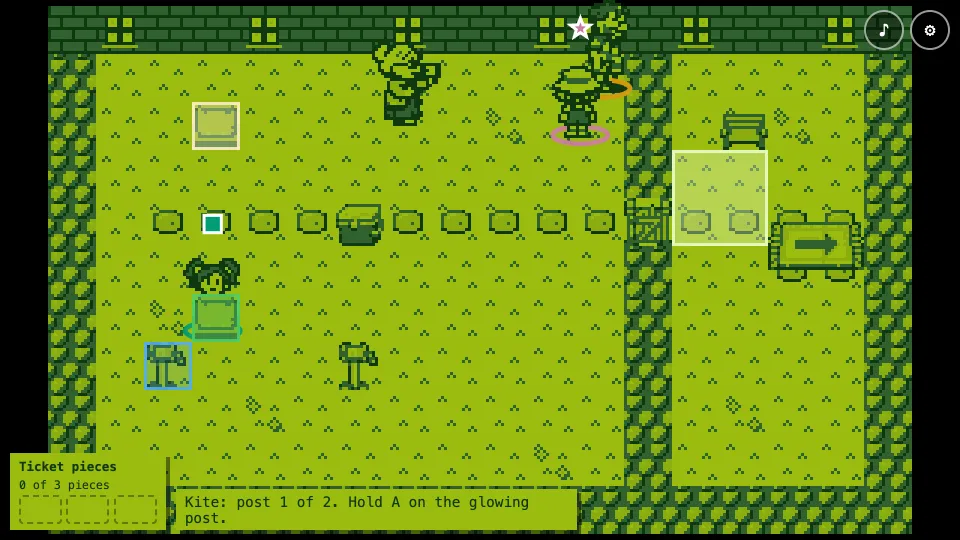
make it yours Your places, the jobs that need everyone, and the surprise waiting at the end.
Remix it from the Holiday starter kit.
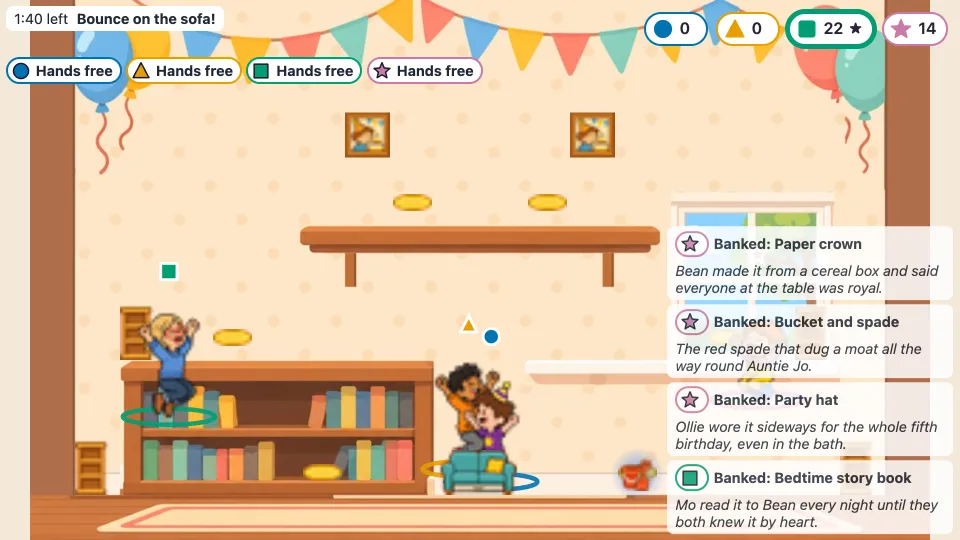
make it yours Nine keepsakes with a one-line memory each, and the promise for whoever wins.
Remix it from the Kid's birthday starter kit.
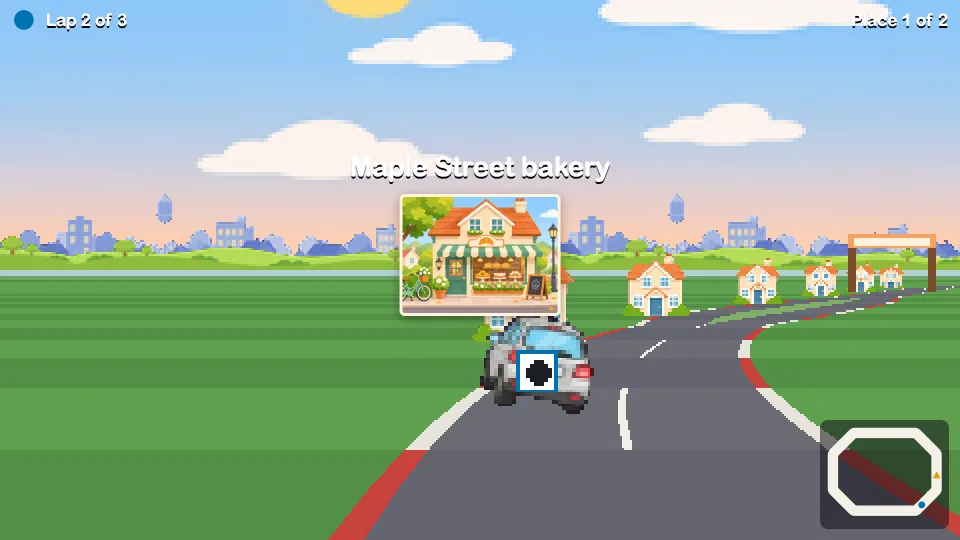
make it yours Your street, the landmarks you pass every day, and the bike or car they love.
Remix it from the Kid's birthday starter kit.
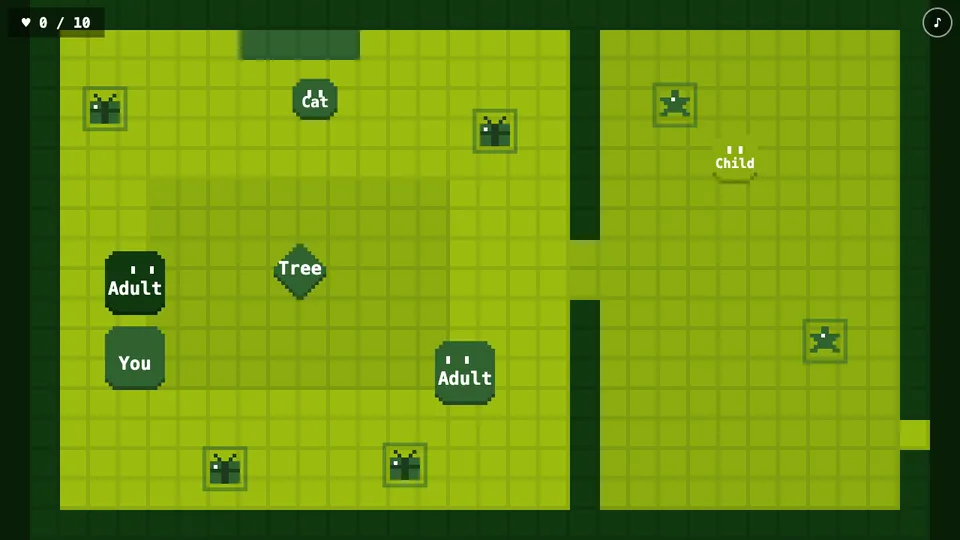
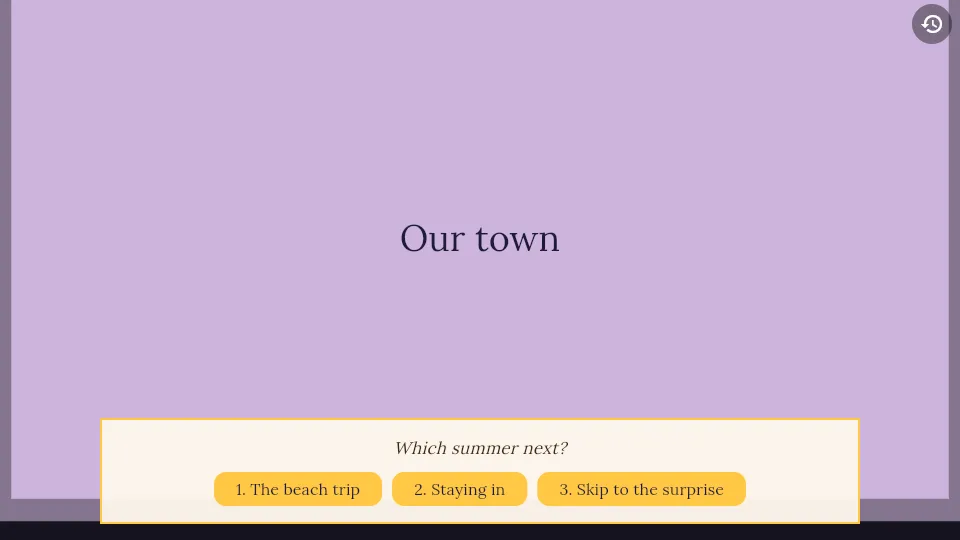
The editor runs locally and your photos live in your game's folder. We never store photos or faces. Nothing leaves your computer unless you choose photo-to-sprite (passed straight to the AI provider, not kept) or our optional hosting.
No subscription. See full pricing and the credit table.
$1.99 one-time
Turn pictures into animated game sprites in your browser. Included with the course.
0 AI credits
Own AI key: BETA
Join the waitlist$1.99 one-time
Build backgrounds, key art and posters from layered pieces, then let AI repaint them as one picture.
0 AI credits
Own AI key: BETA
Join the waitlist$1.99 one-time
Pick a base font, describe a style, and AI draws your own font: for your game and for installing anywhere.
0 AI credits
AI uses credits
Join the waitlist$19.99 one-time
The step-by-step course and the Level Editor. Bring your own art, free packs, or your own AI key.
0 AI credits
Own AI key: BETA
Join the waitlist$50.00 one-time
Everything in Course + Editor, 1,400 AI credits, and optional hosting for your finished game.
1,400 AI credits
$50.00 one-time
2,400 more AI credits for your account.
2,400 AI credits
Signed-in buyers only
Join the waitlistRefunds: full refund within 14 days, unless you've opened the course or downloaded the editor (Sprite Magic: until you first open it; credits: if none are used). Refund policy. Plus sales tax where applicable.
Polished art from real artists. Drop it in, skip the redraws, get every update.
Spend credits to unlock an artist's whole collection of tiles, characters, UI and sound effects, instead of generating with AI. Every unlock pays the artist, and your game's credits screen names them for you.
Browse Ready Art
No. You design the levels in the Pixelora editor by clicking and dragging. Your AI assistant writes the game code from a starter template, and every lesson gives you the exact prompt to paste. Lessons start on Novice (every step, one path). If you do code, open the Moderate and Advanced sections for file formats, the schema and extension points.
One of Claude Code, Codex, Gemini CLI or Antigravity, on your own account with that company. The course shows Claude Code on screen and notes where the others differ. Pixelora connects to your assistant on your computer; it doesn't include an assistant subscription.
No, and that's on purpose: your game's look is yours. Games run on simple placeholders from the first minute. Then you add your own drawings, free art packs (the course points to good ones), or AI images made in the editor with credits or your own key. Pixelora is a course, a level editor and an AI guide, not an asset library.
No. The editor runs on your computer and your photos stay in your game's folder. Two things are your choice: photo-to-sprite sends one photo through our server to the AI provider you pick and returns the result (we don't save, cache or log it), and hosting stores the finished game you upload. More on how we handle photos.
You can get a full refund within 14 days, unless you've opened the course or downloaded the editor. Sprite Magic works the same way until you first open it, and credits are refundable within 14 days if none are used. Before you open anything for the first time, we show a clear notice so it's never a surprise. Refund policy.
Start tonight. Most people finish their first game over a few evenings.
Join the waitlist